Emerald Checkout
Use the National App to choose your vehicle and confirm your rental details at Emerald Aisle locations in the US and Canada.
US & Canada
Install or update the National App and sign in with your Emerald Club account. Complete these three steps to spend less time at the exit booth.
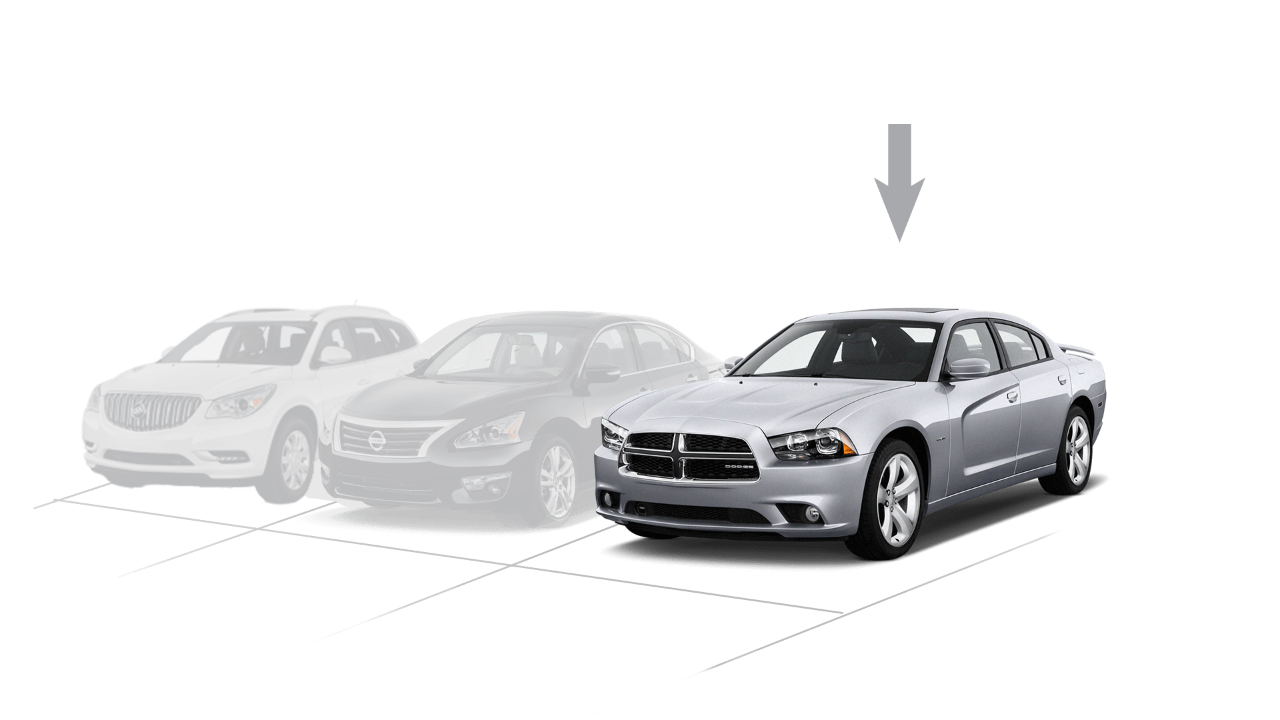
Choose a Car
Use the app to scan a QR code or barcode on your chosen vehicle.
Confirm Details
Check your rental information and confirm the payment method.
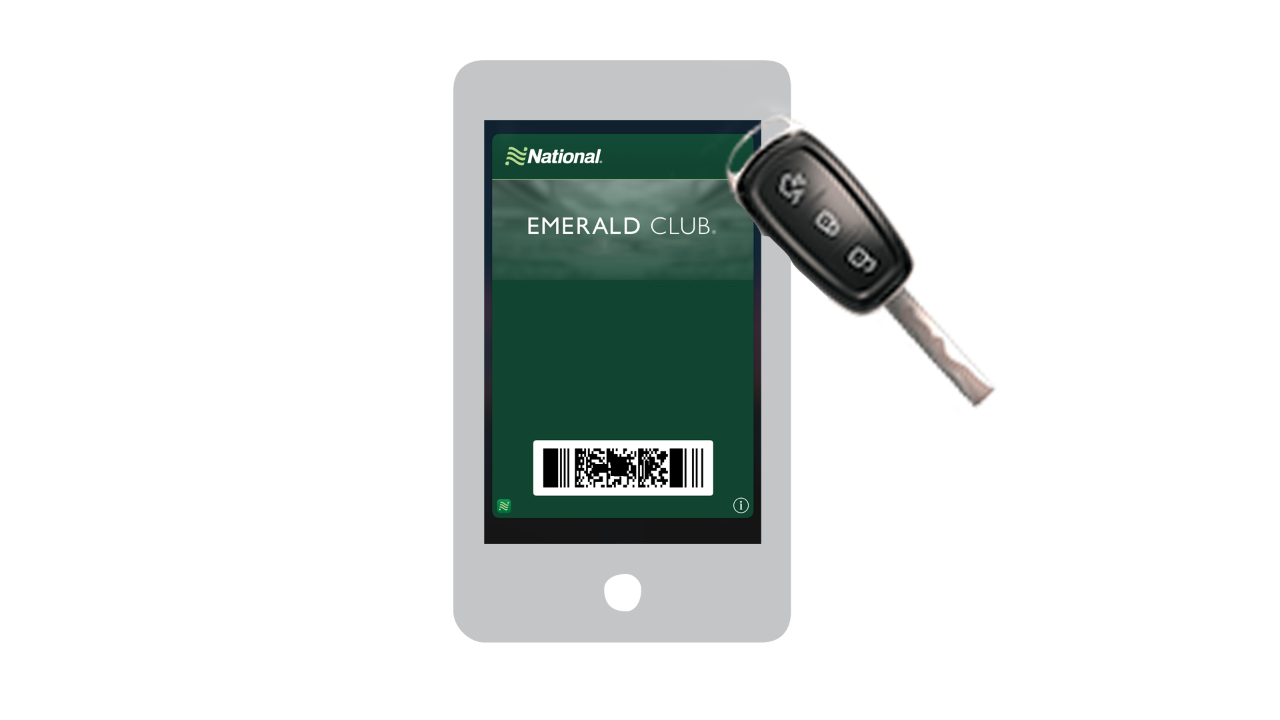
Proceed to Any Exit Booth
At the exit booth, present your license and the barcode displayed on your phone.
Download the App
Manage your rental from your phone with the National App.